UK graduates who want to know exactly how much comes off their pay for student loan repayment, especially if they have more than one loan plan.
How it works
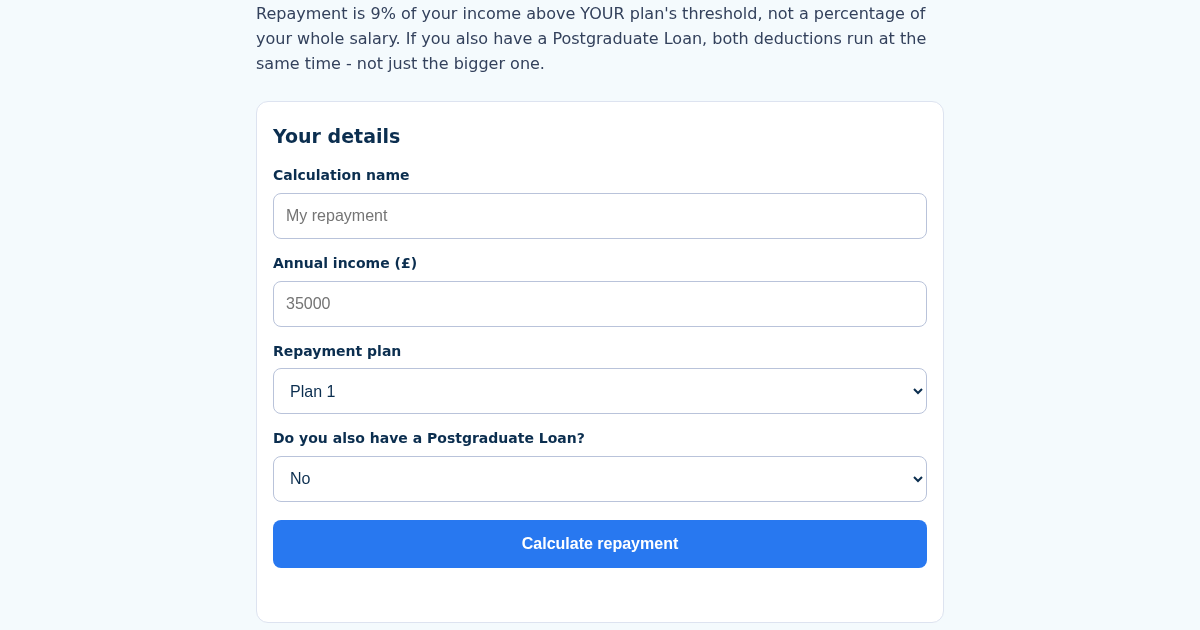
- Name this calculation, e.g. "My repayment".
- Enter your annual income and your repayment plan (1, 2, 4 or 5).
- Say whether you also have a Postgraduate Loan.
- See the undergraduate repayment, the postgraduate repayment if applicable, and the total.
What you gain
- Uses the real 2026/27 repayment thresholds for each plan (Plan 1 £26,900, Plan 2 £29,385, Plan 4 £33,795, Plan 5 £25,000) - applying the wrong plan's threshold is the most common mistake
- If you also have a Postgraduate Loan, BOTH deductions apply at the same time - 9% above your undergraduate threshold AND 6% above £21,000 - not one or the other
- Repayment is 9% (or 6% for Postgraduate) of income ABOVE the threshold only, never a percentage of the whole salary
- Calculations saved by name: recalculating updates the same one, not a duplicate
Screenshot
Technical details
How to set up & use
- Buy the license — your key (lic_...) appears on the order page and in your email.
- Sign in at app.synoriaai.com with your license key.
- No installation — the product runs in your browser, on your own isolated instance.
- Open the calculator and give your calculation a name.
- Enter your annual income before tax.
- Choose your undergraduate plan (Plan 1, 2, 4 or 5).
- Tick the box if you also have a Postgraduate Loan.
- Press Calculate to see your monthly undergraduate and total repayment.
Frequently asked questions
What does this calculator actually work out?
It works out your monthly student loan repayment based on your income, your plan's threshold, and whether you also have a Postgraduate Loan. It uses the 2026/27 thresholds for each plan.
Is my income or calculation data stored anywhere?
Calculations are saved by name so you can recalculate the same one later. The tool only uses the figures you enter to produce the repayment amounts shown.
Does it cover both undergraduate and Postgraduate Loans?
Yes. If you have a Postgraduate Loan as well, both deductions are applied at the same time: 9% above your undergraduate threshold and 6% above £21,000. It does not cover other types of borrowing.
Related products
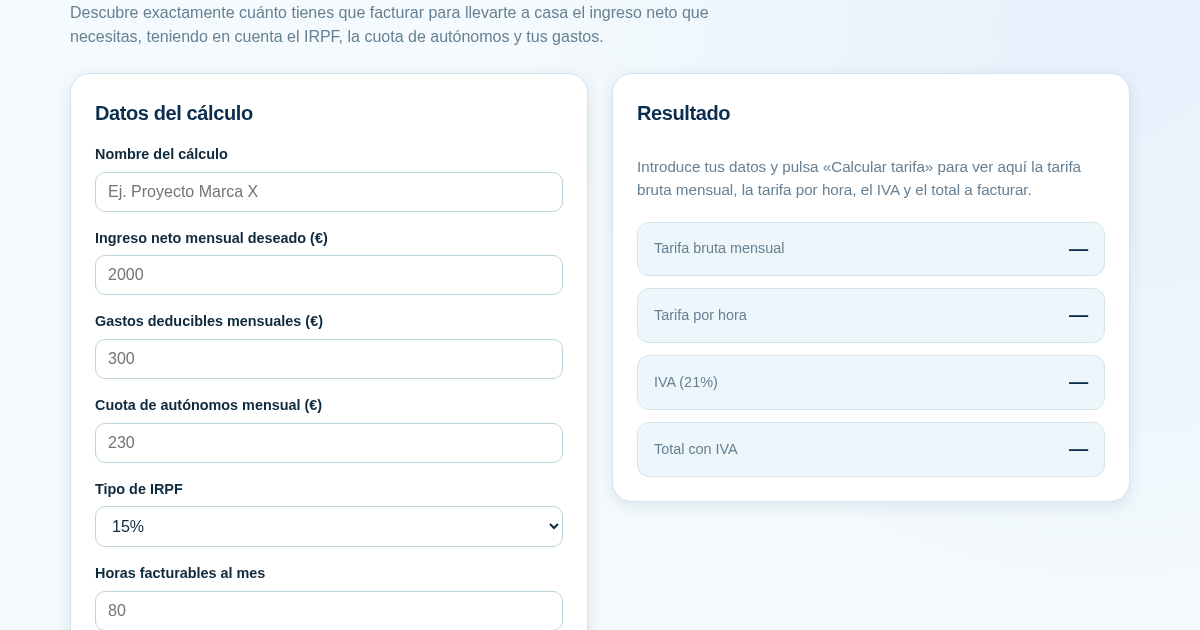
Calculadora de Tarifas para Autónomos
Muchos autónomos fijan sus tarifas sin saber cuánto necesitan facturar realmente para alcanzar el ingreso neto que quieren. Esta calculadora parte del neto mensual deseado y calcula la facturación bruta necesaria…
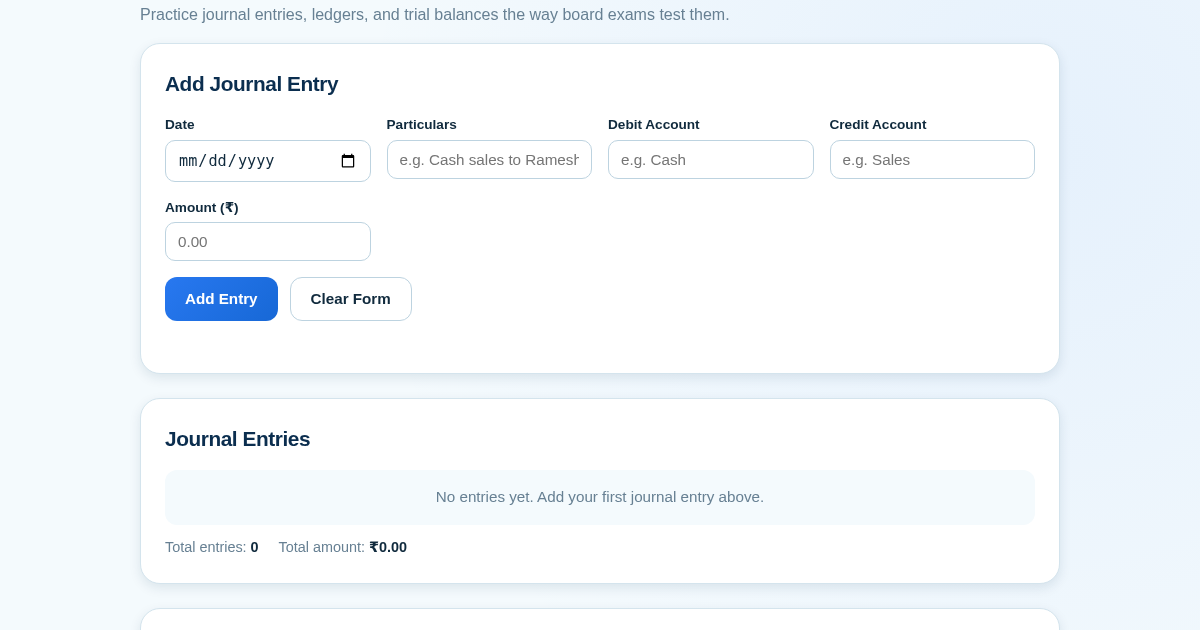
Ledger & Trial Balance Practice Tool
Commerce students in Class 10-12 need to practice journal entries and see how they flow into ledgers, trial balances, and balance sheets for board exams. This tool lets them enter transactions and instantly see the…
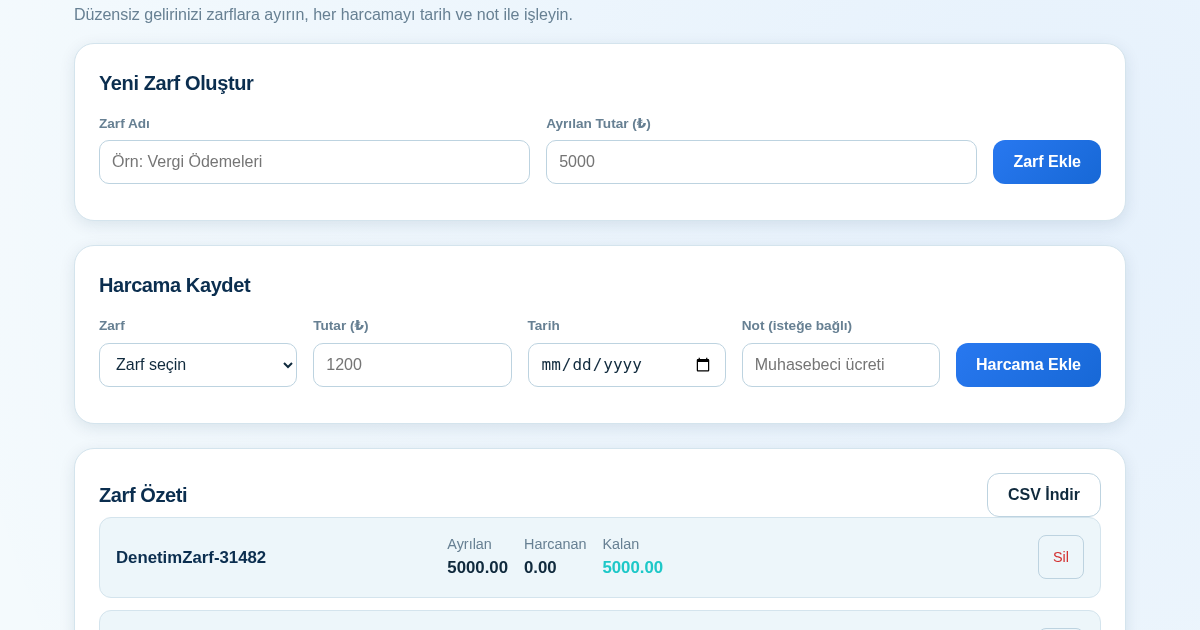
KASA - Serbest Çalışanlar İçin Zarf Bütçesi
Serbest çalışanlar düzensiz gelirlerini vergi, kira ve yaşam giderleri gibi zarflara bölerek bütçelerini düzenli tutabilir. Her harcamayı tarih ve not ile ilgili zarfa işleyerek ne kadar ayırdığını ve ne kadar…
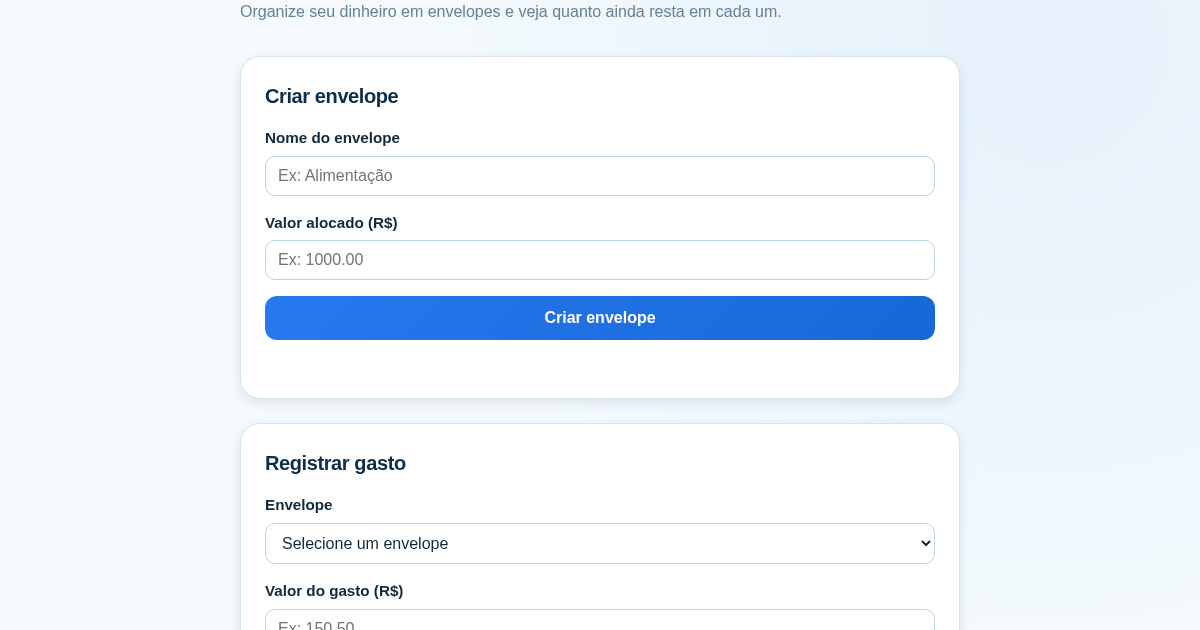
Calculadora de Orçamento por Envelopes (Pix)
Este aplicativo ajuda brasileiros a organizar seu dinheiro em envelopes de orçamento, como alimentação, transporte e lazer, sem precisar conectar uma conta bancária. Ele resolve o problema de controlar gastos do dia a…